Getting your photo right is one of the most common reasons for Kenya eTA application delays or rejections. The electronic travel authorization system has specific requirements that differ from standard passport photos, and uploading an incorrect image can set your application back by days or even weeks.
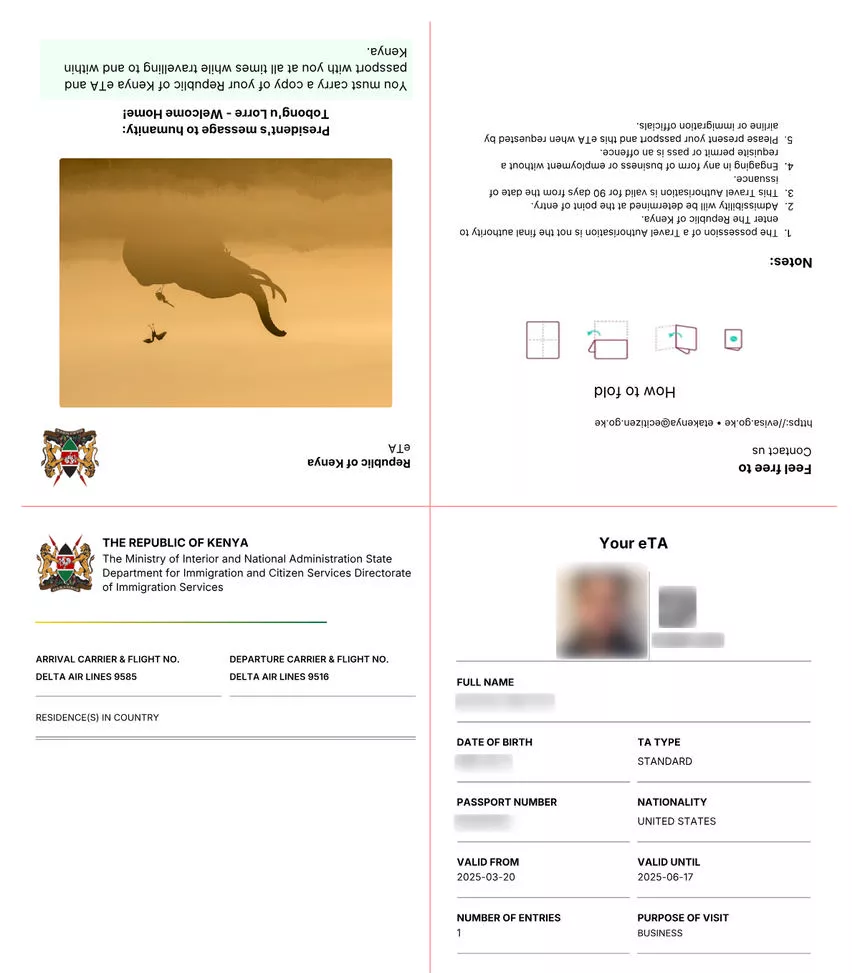
This guide covers everything you need to know about Kenya eTA photo specifications – from exact dimensions and file formats to background requirements and common mistakes. Whether you are applying from home or visiting a photo studio, these specifications will help you get approved on the first try.
Overview of Kenya eTA Photo Requirements
When applying for a Kenya eTA through the official etakenya.go.ke portal, you will need to upload a recent digital photograph. This photo serves as your identification throughout the application process and must meet specific technical and quality standards.
The good news is that Kenya’s photo requirements are fairly standard compared to other countries’ visa applications. If you have had a passport photo taken recently, you likely already have something that meets most of the specifications. However, there are some important details to get right.
Your photo must be:
- A recent color photograph taken within the last six months
- Clear, sharp, and in focus with no pixelation
- Taken against a plain white or light-colored background
- Showing your full face, front-facing, with both eyes open
- Free from shadows, red-eye, or glare
Photo Size and Dimensions
Digital Photo Requirements
For the online Kenya eTA application, your digital photo must meet these specifications:
| Specification | Requirement |
|---|---|
| Minimum Resolution | 600 x 600 pixels |
| Maximum Resolution | 1200 x 1200 pixels |
| Aspect Ratio | 1:1 (square) |
| Face Coverage | 70-80% of photo area |
| Head Position | Centered, chin to crown visible |
The photo should be square, with your face centered and occupying roughly 70 to 80 percent of the image. Your head should be positioned from the top of your hair to the bottom of your chin, with a small amount of space above and below.
Physical Photo Specifications
If you are printing photos for reference or backup purposes, the standard dimensions are:
- Width: 55mm (approximately 2.16 inches)
- Height: 55mm (approximately 2.16 inches)
- Face height: 31-36mm from chin to crown
These dimensions match the standard used by most international travel document applications and are readily available at photo shops worldwide.
Photo Format and Technical Specifications
The Kenya eTA portal accepts digital photos with the following technical requirements:
| Technical Spec | Requirement |
|---|---|
| File Format | JPEG (.jpg or .jpeg) |
| Maximum File Size | 293 KB |
| Color Space | sRGB |
| Compression | Standard JPEG compression |
| Bit Depth | 24-bit color |
Important: The portal does not accept PNG, GIF, BMP, or TIFF files. If your photo is in another format, you will need to convert it to JPEG before uploading. Most photo editing software and even your operating system’s built-in tools can handle this conversion.
The 293KB file size limit is important to note. High-resolution photos from modern smartphones can easily exceed this limit. You may need to compress or resize your image before uploading it to the application portal.
Background and Lighting Requirements
Your Kenya eTA photo must be taken against a proper background with appropriate lighting:
Background requirements:
– Plain white or very light gray background
– No patterns, textures, or objects visible
– No other people or shadows in the background
– Consistent color across the entire background
Lighting requirements:
– Even, uniform lighting across your face
– No harsh shadows on your face or background
– No flash reflections or red-eye
– Natural or studio lighting that accurately represents your skin tone
The best approach is to stand about one meter away from a white wall with soft, even lighting. Avoid direct overhead lights that create shadows under your eyes or nose.
Appearance and Pose Guidelines
Clothing and Accessories
- Wear normal, everyday clothing – no uniforms (unless religious attire)
- Avoid white clothing that may blend into the background
- Remove large jewelry or accessories that obscure your face
- Keep a neutral facial expression – no smiling, frowning, or raised eyebrows
Head Coverings
Religious head coverings are permitted, but they must not obscure your face. The covering should:
- Not cast shadows on your face
- Leave your forehead, chin, and both ears visible
- Be a solid, non-patterned color
- Not cover any part of your face from the eyebrows down
Glasses and Eyewear
If you normally wear glasses, you may keep them on for your photo, but with these conditions:
- No tinted or sunglasses – only clear prescription lenses
- No glare or reflections on the lenses
- Frames should not cover any part of your eyes
- Ensure both eyes are clearly visible through the lenses
If your glasses cause glare, it is better to remove them for the photo. You can also try tilting your head slightly or adjusting the lighting to minimize reflections.
Common Photo Mistakes to Avoid
These are the most frequent reasons photos are rejected during Kenya eTA applications:
- Incorrect dimensions – Uploading a rectangular photo instead of a square one
- File too large – Exceeding the 293KB file size limit
- Wrong file format – Using PNG or other non-JPEG formats
- Poor lighting – Shadows across the face or uneven illumination
- Busy background – Patterned walls, outdoor scenery, or visible objects
- Old photo – Using a photo more than six months old
- Smiling or expressions – Not maintaining a neutral expression
- Low resolution – Blurry, pixelated, or low-quality images
- Hat or headwear – Non-religious head coverings obscuring the face
- Sunglasses – Tinted lenses or reflective glare on glasses
How to Take a Kenya eTA Photo at Home
You do not necessarily need to visit a professional photo studio. Here is how to take an acceptable Kenya eTA photo at home:
- Find a plain white wall in a well-lit room
- Stand about one meter away from the wall
- Have someone take your photo from about 1.5 meters away
- Ensure the camera is at eye level
- Use natural light from a window if possible, or turn on multiple room lights
- Check that your face is evenly lit with no shadows
- Crop the image to a square format with your face centered
- Resize to at least 600×600 pixels
- Save as JPEG and compress to under 293KB if necessary
Most modern smartphones can produce photos that meet these requirements. The key is proper lighting and a clean background.
Professional Photo Services vs DIY
While taking your own photo is entirely possible, there are advantages to using professional services:
Professional studio advantages:
– Guaranteed correct dimensions and specifications
– Proper lighting and background setup
– Immediate digital copy in the right format
– Experience with visa and passport photo requirements
DIY advantages:
– Free or very low cost
– Convenient – can be done anytime
– Multiple attempts to get it right
– No need to find a photo studio while traveling
If you are in Kenya or a major city, most photo studios will be familiar with eTA and passport photo specifications. If you are applying from a location without easy access to photo services, following the DIY guide above should produce acceptable results.
FAQ Section
What size photo is required for Kenya eTA?
The Kenya eTA requires a square digital photo of at least 600 x 600 pixels, with a maximum resolution of 1200 x 1200 pixels. Physical prints should be 55mm x 55mm (2.16 inches square).
What format should the Kenya eTA photo be in?
The photo must be in JPEG format (.jpg or .jpeg). The maximum file size allowed is 293KB. Other formats like PNG, GIF, or BMP are not accepted by the application portal.
Can I take my own photo for Kenya eTA?
Yes, you can take your own photo using a smartphone or digital camera. The key requirements are a plain white background, even lighting, and a neutral facial expression. Ensure the image meets the minimum 600×600 pixel resolution and is saved as JPEG under 293KB.
What background color is required for Kenya visa photo?
A plain white or very light gray background is required. The background should be uniform with no patterns, textures, shadows, or visible objects.
Can I wear glasses in my Kenya eTA photo?
You may wear clear prescription glasses, but they must not cause glare or reflections. Tinted lenses and sunglasses are not permitted. If your glasses create reflections, it is better to remove them for the photo.
How recent should my Kenya eTA photo be?
Your photo must have been taken within the last six months. Using an older photo may result in rejection, especially if your appearance has changed significantly since the photo was taken.
What happens if my Kenya eTA photo is rejected?
If your photo does not meet the requirements, your application may be delayed or you may be asked to upload a new photo. This can add processing time to your application, so it is best to get the photo right the first time.
Do children and infants need a photo for Kenya eTA?
Yes, all travelers including children and infants need a photo as part of their eTA application. For infants, the same background and format requirements apply, though the face positioning guidelines are more relaxed for very young children.